- How to convert video via Acrok HD Video Converter?
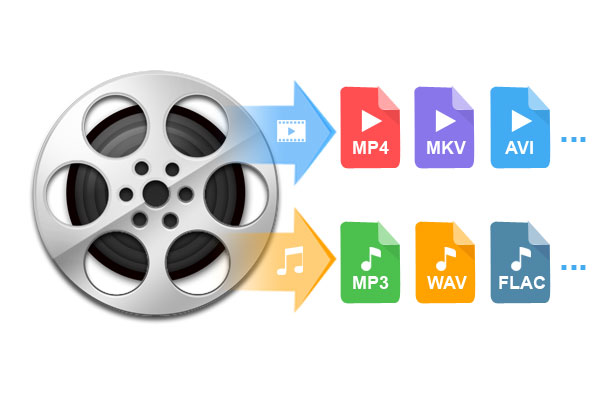
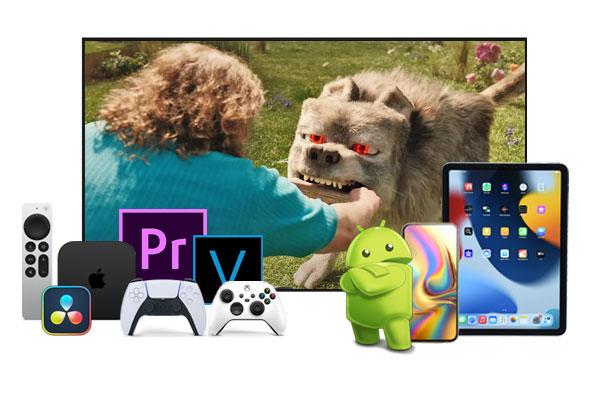
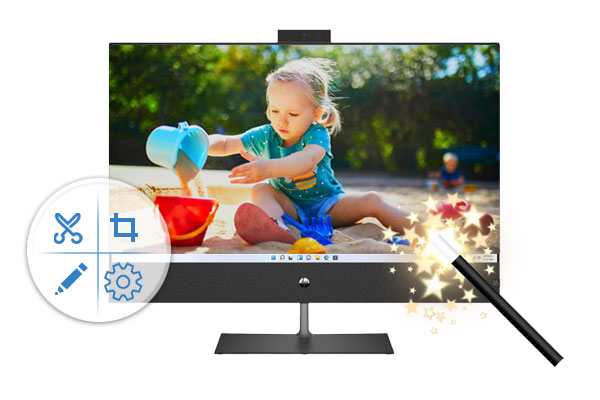
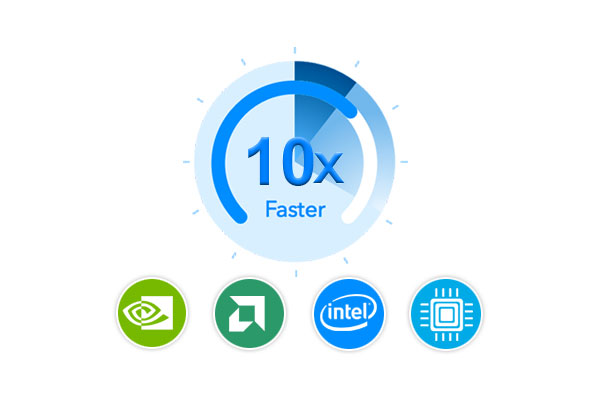
This page will show you how to convert any video format to any video format via Acrok HD Video Converter on Windiws 11/10.
- Windows Media Player Supported Video & Audio Formats
Read this guide to learn Windows Media Player Supported Video & Audio Formats and how to play H.265 HEVC, DVD and Blu-ray files with Windows Media Player on Windows 10 via supported video audio formats.
- Toyota USB Supported Music Format - Play any music in Toyota cars
This article gives you best solution to convert MKA, M4A, FLAC, AIFF, APE and other music to Toyota USB music format. You'll play any music in RAV4, Corolla, Camry freely.
- Nikon MOV Video Converter | Convert Nikon MOV on Mac and Windows
How to convert Nikon MOV for iMovie, FCP, Premiere Pro, Windows Movie Maker? Nikon MOV Video Converter can help you convert Nikon MOV to any video format on Mac and Windows.
- Sony PlayStation 5 Supported Video Audio Formats
With Sony PlayStation 5 Video Converter, you can convert Blu-ray, DVD, H.265, MOV, WMV movies to PlayStation 5 supported video and audio formats.
- Apple TV 4K MKV - Play MKV on Apple TV 4K from USB
Want to play MKV movies on Apple TV 4K? This page will introduce the best solution to how to watch 4K and 1080P MKV videos on on your Apple TV 4K.
- Motorola Video Converter - Convert any video to Motorola Phone supported formats
With this best Motorola Video Converter, you can convert Blu-ray, DVD, MKV, AVI even iTunes M4V movies to Motorola phone supported formats easily.
- LG TV Supported Video Formats - Play movies on LG OLED/HDR/UHD TV via USB
Just follow this article to let waht video format supported by LG TV and convert any video to LG TV supported format so you can enjoy your favorite movies on LG TV via USB.
- Jeep UConnect USB Audio/Video Format
FLAC, M4A, APE, MP3 in UConnect solution: Convert audio files to UConnect supported audio to successful play any music files using USB in Jeep SUV.
- Canon Video Converter - Convert Canon MXF/MOV/MP4/MTS freely
Free download Canon Video Converter to convert Canon camera 4K, 1080P MXF, MOV, MP4 and MTS video on Mac or Windows for playing or editing.
- Mac ProRes Converter: Easily Convert Videos to Apple ProRes
Looking for an easy way to transcode your video to Apple ProRes on Mac? Look no further! Get the best Mac ProRes Converter here!
- Solved! Can't Play MP4 on Android TV
Can't play MP4 on Android TV? Yeah, you can do it easily as long as you use a professional MP4 to Android TV converter to convert files for smooth playback.
- How to convert any video to Apple ProRes on Windows?
With Acrok Windows ProRes Converter, you will can convert any video codec to ProRes codec on Windows via simple clicks.
- JVC Video Covnerter - Convert JVC Videos To Any Format
This article introduce a video converter for JVC camcorder. You can learn how to convert JVC camcorder video to any format as you need.
- How to Fix Audio-Video Format Issues on Roku Smart TV
Your Roku TV won't play certain MKV files while other MKV files can be played normally? Here you will find the possible reasons and and easy solution to fix Roku TV MKV playback issue.
- TCL TV Video Converter - Convert MP4/AVI/MKV to TCL TV supported video formats
With TCL TV Video Converter, you can convert Blu-ray, DVD, MP4, AVI, MKV movies to TCL Roku TV supported format on Windows and Mac freey.
- 4K Video Converter for Windows 11 - Convert 4K video on Windows 11
Free download Windows 11 4K Video Converter to convert video from and to 4K resolution on Windows 11.
- BRAW to MP4 Converter - Convert BRAW to MP4 (H.264/H.265) Format
How to convert BRAW video to H.264 MP4 and H.265 MP4? Acrok BRAW to MP4 Converter is the best choice to convert BRAW video to MP4 on Windows and Mac.
- H.265 and Handbrake - Convert H.265 videos using Handbrake
Seeking a solid Handbrake alternative tool to convert H.265 videos on Windows and Mac? This article will offer you a best Handbrake Alternative to handle H.265 videos without trouble.
- Premiere Elements 2026 Supported Video Formats
What file formats are supported in Premiere Elements 2026? Premiere Elements supports MP4, MOV, M4V, MPG format, MPEG-2, H.264, Apple ProRes, and so on.
- Blackmagic 4K Video Converter | Convert DNxHD and ProRes on Mac and Windows
With this best Blackmagic Video Converter, you can convert Blackmagic DNxHD MXF and ProRes 422/4444 MOV on Mac and Windows easily. Help you edit Blackmagic footage in FCP X, Premiere Pro, iMovie, Avid, etc.
- Smart TV MKV - Watch MKV movies on Smart TV smoothly
This guide will show you how to convert MKV movies to Smart TV supported video foramt. Let you play MKV movies on Smart TV via USB freely.
- H.265 to H.264 - Convert H.265 files to H.264 on Mac and Windows
Facing problems when playing H.265 files or edting H.265 files on macOS 14 Sonoma and Windws 11/10? Just get the best H.265 to H.264 Converter to achieve your goal smoothly.
- Adobe Premiere Pro Supported Formats
Adobe Premiere Pro Supported Video/Audio/Image Formats. This guide shows how to edit video in Premiere Pro on Windows and Mac.
- MOV to Premiere Pro - Edit MOV files in Premiere Pro
Want to import MOV files into Premiere Pro for editing? Simply follow this tutorial to convert MOV to MPEG-2 for use in Premiere Pro without rendering or any other problems.
- Vegas Pro Supported Formats - Video/Audio/Image
Vegas Pro Video Converter, convert any video to Vegas Pro supported video/audio/image foramts on Windows and Mac.
- Import and edit H.265/HEVC in Pinnacle Studio
Best H.265 HEVC to Pinnacle Studio Converter, convert H.265/HEVC videos to Pinnacle Studio supported video format easily.
- MKV to DaVinci Resolve - How to Import MKV to DaVinci Resolve
Troubled in importing MKV files into DaVinci Resolve for further editing? Follow the quick-start guide to to make MKV editable in DaVinci Resolve.
- Final Cut Pro Supported Formats - Best editing format for Final Cut Pro
Learn what video and audio formats supported by Final Cut Pro, and how to convert any video to Final Cut Pro native editing formats on Mac.
- MOV to Final Cut Pro - Import and edit MOV files in Final Cut Pro without rendering
With MOV to Final Cut Pro Converter, you can convert MOV movie and footage to Final Cut Pro best editing videos on Mac. Let you import MOV files into Final Cut Pro without rendering.
- Import MP4 to Vegas Pro 22 with A/V synchronization on Windows 11
Have trouble importing MP4 files into Vegas Pro 22? This tutorial shows you how to make all MP4 videos compatible with Vegas Pro 22 on Windows 11.
- Can't Import 4K ProRes 422 to Avid Media Composer - Solved
If you have ever worked with 4K ProRes 422 footage in Avid Media Composer, you would know the pain. This guide will show you how to import and edit 4K ProRes videos in Avid smoothly.
- 3D MTS to FCP - Edit 3D MTS in Final Cut Pro with ProRes codec
This article aims to guide users to convert 3D MTS files to Final Cut Pro supported format and how to edit 3D MTS in FCP without rendering.
- H.265/HEVC to Final Cut Pro - Edit H.265/HEVC in Final Cut Pro smoothly
To import ad edit 4K H.265 (HEVC) videos in Final Cut Pro smoothly, the best way is convert H.265 to ProRes codec with H.265 Video Converter on Mac.
- After Effects H.265 - Import H.265 to After Effects
Why After Effects won't import H.265 files? How to solve H.265 can not be imported to After Effects for editing? This article will tell the reason and solution.
- MXF to Vegas Pro - Edit MXF in Vegas Pro
This article gives you the best method to import 4K and 1080P MXF to Sony Vegas Pro 22, 21, 20 for editing without any issues. Learn how to.
- MP4 Converter - convert XAVC S MP4 for Final Cut Pro
For importing XAVC S codec video into Final Cut Pro, you need to convert XAVC S MP4 to ProRes MOV via MP4 to Final Cut Pro Converter. Acrok HD Video Converter for Mac is your best choice.
- Best iMovie Format Converter Online - 2025
This article will touch on the best iMovie Format Converter for macOS that you can give a consideration and they are all suitable for satisfying your needs.
- PowerDirector MXF - Edit MXF in PowerDirector
Did your PowerDirector fail to load a 4K or 1080P MXF file? We explain what MXF files are and recommend software that we know can convert MXF for editing in PowerDirector and PowerDirector 365.
- XAVC HS to DaVinci Resolve - Edit XAVC HS in DaVinci Resolve
Why can't we edit XAVC HS in DaVinci Resolve? We'll walk you through the guide of how to edit XAVC HS video in DaVinci Resolve smoothly and successfully without errors.
- H.265/HEVC to iMovie - Edit H.265/HEVC videos in iMovie
Unable to import 4K H.265/HEVC videos to iMovie, you can easily convert unsupported H.265/HEVC to iMovie supported codec with best quality.
- H.265 to DaVinci Resolve - Edit H.265 in DaVinci Resolve 19
How to use H.265 videos in DaVinci Resolve 19? There's no native way to do this- and here we'll give an alternative method to import H.265 to DaVinci Resolve for editing without any loss.
- MXF to Premiere Elements - Edit MXF in Premiere Elements
If you try to import MXF files into Premiere Elements, you may encounter unsupported file issues. Here is the best MXF to Premiere Elements solution.
Having trouble importing 4K or Full HD H.265 videos into Premiere Pro? This guide will get rid of your trouble.
- PowerDirector H.265 - Import and edit H.265 in PowerDirector
Can't import H.265 HEVC files to PowerDirector for editing? This article will show you how to resolve the issue in an easy method.
- 3D MTS Converter for iMovie - Edit 3D MTS in iMovie with AIC codec
Can't load 3D MTS videos into iMovie for editing? This article will outline how to import 3D MTS files into iMovie for further editing.
- DVD to FCP - Convert DVD for editing in Fina Cut Pro
By converting DVD files to Apple ProRes codec on Mac, you will can edit DVD files in Final Cut Pro smoothly.
- Best H.265 Converter for Windows 11 - 2025
This article introduces the 5 best H.265 video converters for Windows 11. It also gives an example to illustrate how to convert H.265 videos to other formats.
- Free ways to play MKV files in Windows Media Player
Windows Media Player is not capable of playing .mkv videos by default. In this article, we'll show you how to play your MKV movie files with Windows Media Player on Windows 11 smoothly.